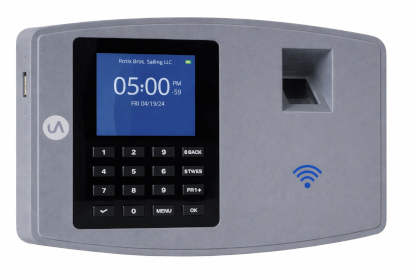
uAttend BN6500 Cloud Fingerprint Time Clock with WiFi and Ethernet
Description
The uAttend BN6500 time clock is a cloud-based biometric time clock designed for businesses transitioning from paper time cards or older punch clock systems. It uses fingerprint recognition to identify employees while sending punch data directly to the uAttend cloud platform for centralized time tracking and payroll preparation. Businesses use the BN6500 to improve attendance accuracy, reduce manual edits, and simplify daily timekeeping management.
The BN6500 connects through WiFi or LAN and allows employees to clock in using fingerprint identification, RFID badges, or PIN entry depending on company policy. Punches are transmitted to the cloud in real time, allowing managers to review timecards, monitor overtime, and run reports from any internet-connected device. Offline punch storage allows the clock to continue collecting time data during temporary internet interruptions, automatically syncing stored punches once the connection is restored. :contentReference[oaicite:1]{index=1}
FloridaTimeClock customers commonly select the BN6500 when upgrading to cloud timekeeping because it balances ease of use with stronger accountability. Biometric identification helps reduce buddy punching, while automated calculations and reporting reduce payroll corrections. Cloud operation also eliminates the need for local software installation and allows businesses to expand easily as employee counts or locations change.
The uAttend system is designed for ongoing operation with automatic software updates and centralized data storage. Technical support and system assistance are provided directly by the manufacturer’s U.S.-based support team.
Compatibility / Usage / Key Features
- Biometric fingerprint employee identification
- RFID badge and PIN punch options
- Cloud-based timecards and reporting
- WiFi or LAN connectivity
- Offline punch capture with automatic synchronization
- Real-time overtime monitoring and alerts
- Remote access to timecards and reports
- No local software installation required
Related Items
uAttend JR2000 Touch Tablet Time Clock
uAttend DR2000 Facial Recognition Time Clock
uAttend RFID Badge Packs
uAttend Cloud Subscription Plans
FAQ
Does the BN6500 require internet access to work?
The clock can store punches offline and automatically upload them once internet service is restored.
Is fingerprint punching required for every employee?
No. RFID badges or PIN entry can also be used depending on company setup.
Can managers view timecards remotely?
Yes. Timecards and reports are accessible through the uAttend cloud portal.
Who provides technical support?
Ongoing technical support is provided by the manufacturer’s U.S.-based support team.
The uAttend web hosted system charges for the number of people
you have at the peak, during that month cycle. You can cancel at any time.

Activation: Click on this image to begin the signup process: 
Enter this Dealer ID number: DA7BG
uAttend Online Demo - use OUR account!
INSTANT DEMO: CLICK ON THIS LINE
username: timesource@hotmail.com
Password: Winning!
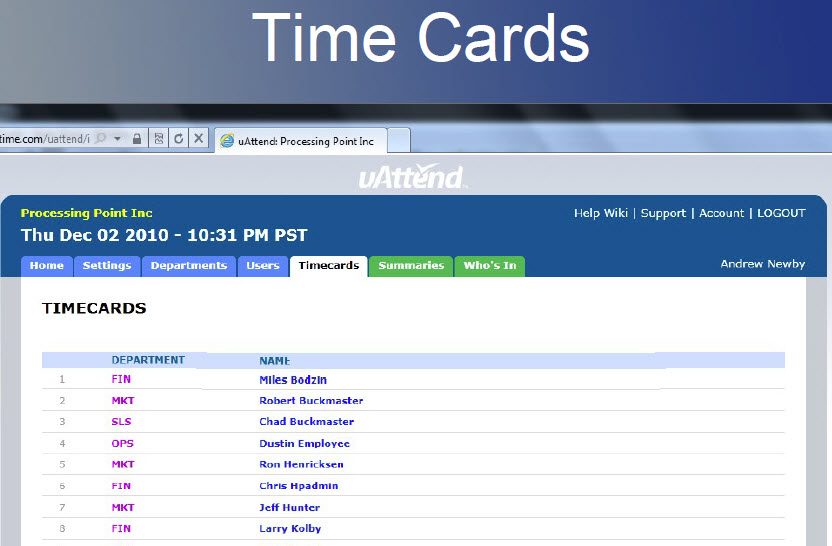
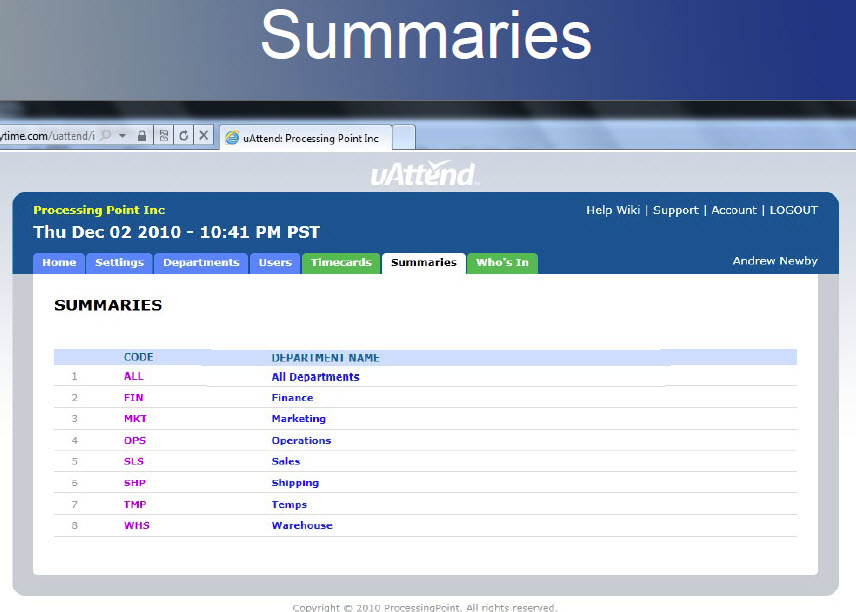
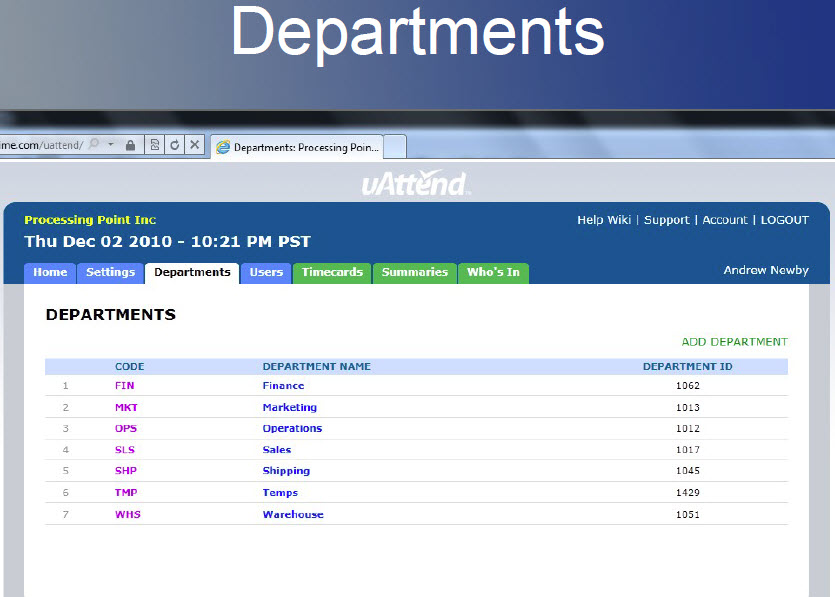
uAttend Reports
Click on the reports below
Use your mouse to scroll through the screenshots.
This will give you an introductory “feel” for how it looks and works.
uAttend is constantly upgrading, updating, and enhancing the system,
--- all this is included, along with friendly toll-free support, with uAttend.
Eastside Deli: 3 Locations and 25 Employees
Sir Reel Studios West Maui Pet Supplies
Avon & Wessex Motor Factors Surf Ride Retail Surf Shop
Watch this one: How to set it up